Record or import
Capture a new sales call or bring in audio you already have.
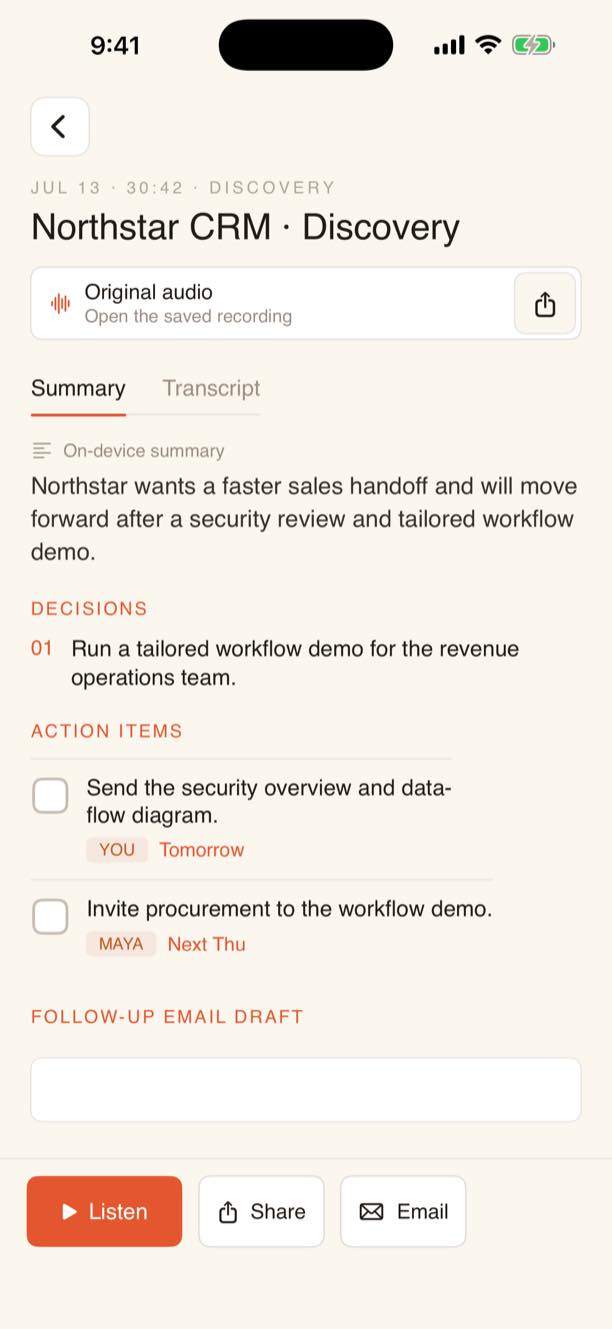
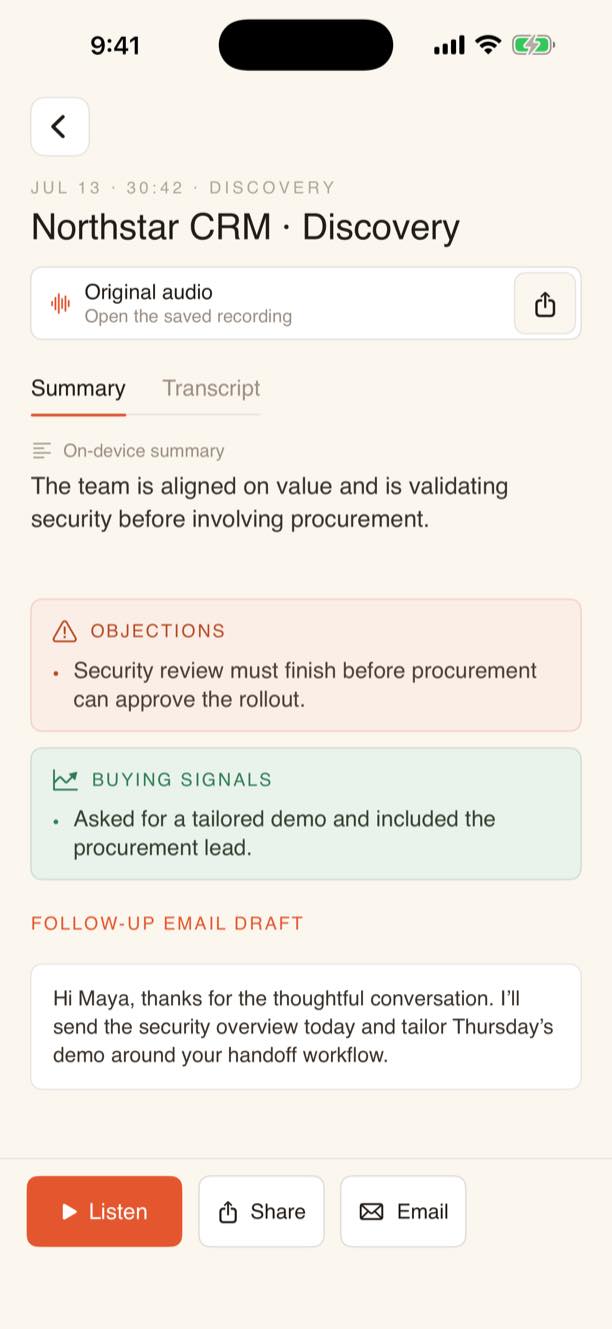
PitchNotes turns sales conversations into private transcripts, clear recaps, action items, objections, buying signals, and a follow-up draft.
Capture a new sales call or bring in audio you already have.
On-device transcription keeps the recording on your iPhone.
Review the next steps, draft the follow-up, and keep moving.
Everything you need to move the deal forward, organized for sellers.
Audio transcription happens on your iPhone, so recordings never go to a cloud transcription service. Advanced AI summaries are opt-in and securely send only the transcript for processing.
Learn about privacyPitchNotes is designed to help you finish the work that starts when a customer call ends.
No. Transcription runs on-device. If you enable Advanced AI summaries, only transcript text is sent for that summary request.
A concise summary, decisions, action items, objections, buying signals, and an editable follow-up email draft.
Yes. PitchNotes supports both new recordings and imported audio files.
Keep the conversation private. Keep the next move clear.
Download for iPhone